


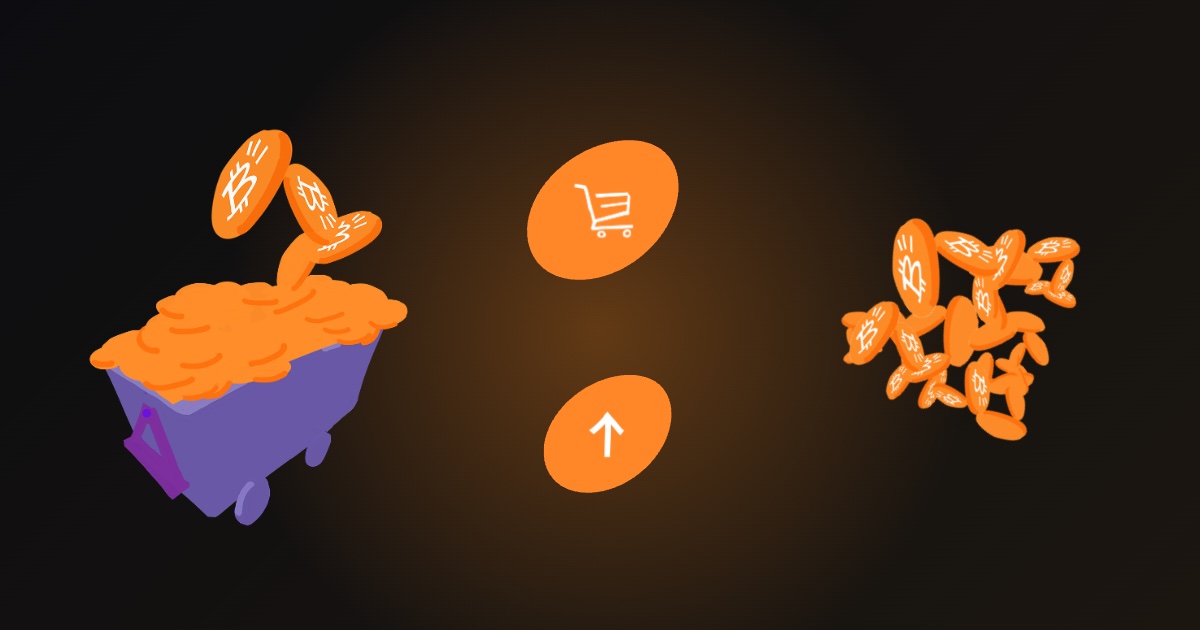
Most people begin by mining BTCY, but you can also buy it or convert your balance through the platform. This guide explains the general flow and the checks worth making before you confirm anything.
Buying BTCY
You buy BTCY through the purchase flow on the website or in the app, using the payment methods supported for your region.
- Sign in to your Bitcoin Yay account.
- Open the buy flow and choose how much you want.
- Pick a payment method. Supported methods can include cards and other processors. The exact options depend on your region and are shown at the payment step.
- Review the summary. Any applicable network or processing fees are displayed before you confirm.
- Confirm and wait for the transaction to complete. Your order then appears in your history.
Selling BTCY
The Sell flow converts your BTCY balance. The app walks you through the amount, the method and a confirmation step. Availability of selling can depend on your region and on the current platform status, so the option may not always be open.
What to check before you confirm
- The amount and fees. Read the confirmation screen for the exact figures.
- Your region. Buying, selling and exchange functions can vary by country because of local regulations. The app applies restrictions automatically based on your location.
- Verified vs unverified balance. Verified balance is fully confirmed and usable. Unverified, or pending, balance is still being validated, for example earnings that depend on verified ad engagement.
- That you are on the official site. Type the address yourself or use the official app. Scam sites copy the look of real ones.
Keep records
Your order history and wallet transaction history show what you bought, sold and transferred. Keep an eye on them, and save receipts if you need them for tax purposes. Tax rules differ by country, so check the rules where you live.
Risks to understand
Crypto assets can lose value, and you should only put in what you can afford to lose. BTCY is an in-app utility token, not an investment product, and nothing in the app or on this website is financial advice.
If something looks wrong
If a payment fails, an amount looks different from what you expected, or a balance is missing, check your order history first and then contact the support page. Never share your password with anyone claiming to help, and be cautious of anyone who contacts you first. Our security checklist covers this in more detail.
Related reading
See how withdrawals work for taking funds out of the platform, and the FAQ for short answers to common questions.
Frequently asked questions
What payment methods are supported? They can include cards and other processors, depending on your region. The list is always displayed in the payment step.
Are there fees? Any applicable network or processing fees are shown before you confirm a transaction, so review the confirmation screen for the exact amount.
Why is selling unavailable for me? Availability can depend on your region and the current platform status. If the option is not shown, it is not open for your account at the moment.
Can I cancel a purchase? Check the terms shown at checkout and contact support promptly if you have a problem. Blockchain transactions are generally not reversible once completed.
How long does a purchase take? Timing can vary, so follow the status in your order history rather than repeating the purchase.
A checklist before every transaction
- Are you on the official website or app?
- Have you read the amount, the fees and the payment method on the confirmation screen?
- Do you understand which part of your balance is verified?
- Is this an amount you would be comfortable losing?
- Have you kept a record of the transaction?
If any answer is no, pause. Taking an extra minute costs nothing, while an avoidable mistake can be expensive. Remember that nobody from the team will ever ask you for your password or ask you to send money to a personal account.